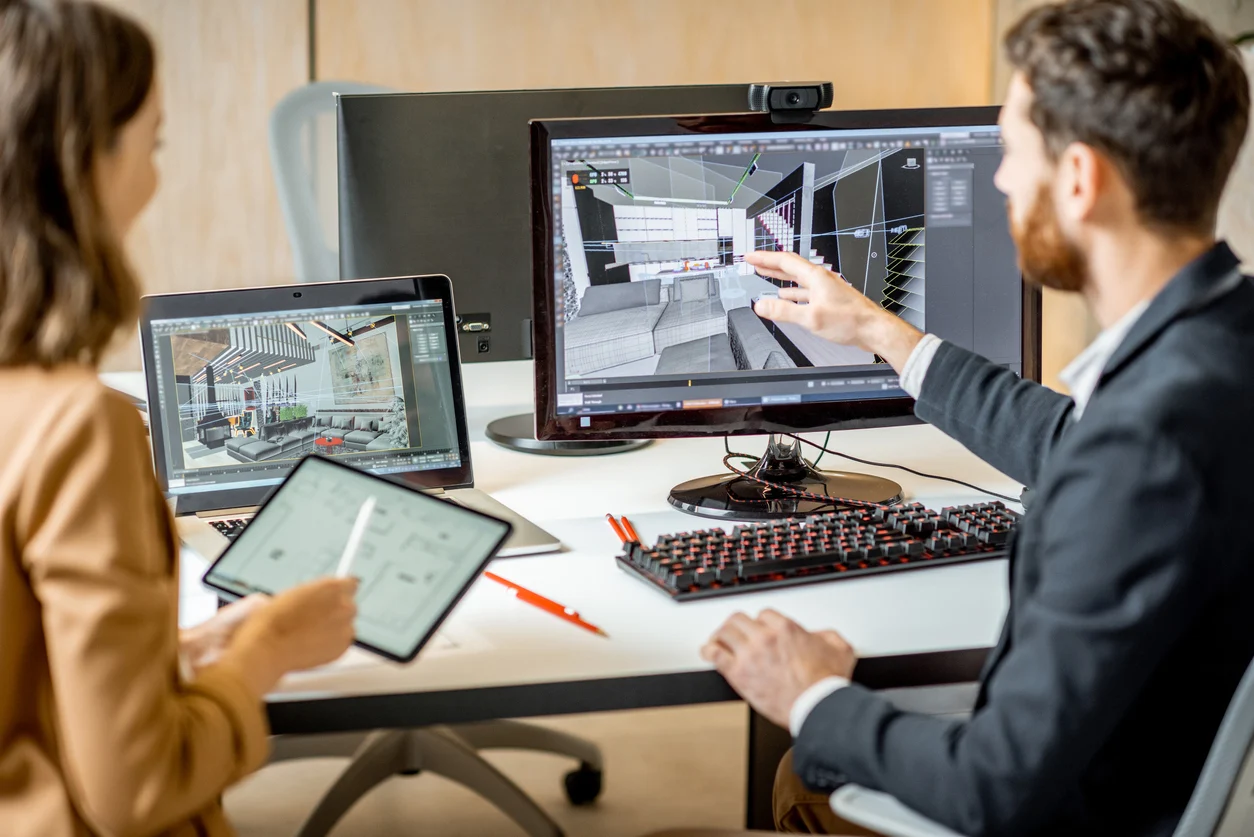
The BenQ PD3220U has long been a staple on the desks of creative professionals. But as interior design shifts toward AI-driven rendering and real-time 3D visualization, the requirements for a primary display have changed.
If you are an interior designer moving between SketchUp, Midjourney, and high-end rendering engines, here is why the PD3220U remains a top contender—and where it might show its age.
Color Accuracy is Non-Negotiable
For interior designers, what you see on screen must match the physical fabric swatches and paint chips on your desk. The PD3220U excels here with 100% sRGB and 95% Display P3 color gamuts.
-
Calman Verified & Pantone Validated: This isn’t just marketing fluff. It means out-of-the-box color precision that ensures your “Earth Tone” palette doesn’t shift to an accidental neon green when sent to a client.
-
M-Book Mode: If you’re working on a MacBook Pro, this mode minimizes the visual difference between your laptop screen and the monitor, creating a seamless dual-screen workflow.
Resolution and Screen Real Estate
At 32 inches with 4K UHD resolution, this monitor provides the “breathing room” necessary for complex design software.
-
The AI Edge: When using AI tools like Adobe Firefly or Stable Diffusion, you often need multiple windows open—the prompt interface, the reference images, and the design software. The 32-inch canvas allows for comfortable side-by-side multitasking without squinting at UI elements.
-
Detail-Oriented: High pixel density allows you to spot imperfections in 3D textures or lighting shadows that lower-resolution screens might blur.
The Productivity Toolbox: Hotkey Puck G2
One of BenQ’s best “quality of life” features is the Hotkey Puck G2. For a designer, this is a game-changer for workflow efficiency:
-
You can map the dial to adjust brightness, volume, or contrast.
-
More importantly, you can switch between color modes (like CAD/CAM or Darkroom mode) with a single click. When switching from technical drafting to an AI-generated mood board, this saves significant time.
Connectivity: Thunderbolt 3
The PD3220U acts as a sophisticated docking station. It features Thunderbolt 3, which handles video, data, and power delivery (85W) through a single cable. This keeps your workspace clean—essential for an interior designer who needs physical space for blueprints and samples.
The Reality Check: Where it Lacks
While it is an incredible tool, there are two things to consider in 2026:
-
Refresh Rate: It is capped at 60Hz. While standard for static design, designers who do heavy video walkthroughs or real-time Unreal Engine 5 rendering might prefer a 120Hz display for smoother motion.
-
HDR Performance: While it supports HDR10, it isn’t a “true” HDR mastering monitor. If your workflow involves high-end HDR video production, you might find the peak brightness a bit limiting.
Verdict: Is it the Best Monitor for Interior Designers?
Yes, the BenQ PD3220U remains one of the most balanced monitors for interior design.
While newer OLED models offer deeper blacks, they often come with “burn-in” risks and aggressive auto-dimming that can frustrate a designer working on static floor plans for eight hours a day. The PD3220U offers consistency, professional-grade color, and a build quality that justifies its price tag as a long-term investment for your studio.