Author: Admin

  • Top 5 AI Renderers That Will Save Architects 20 Hours a Week

    Top 5 AI Renderers That Will Save Architects 20 Hours a Week

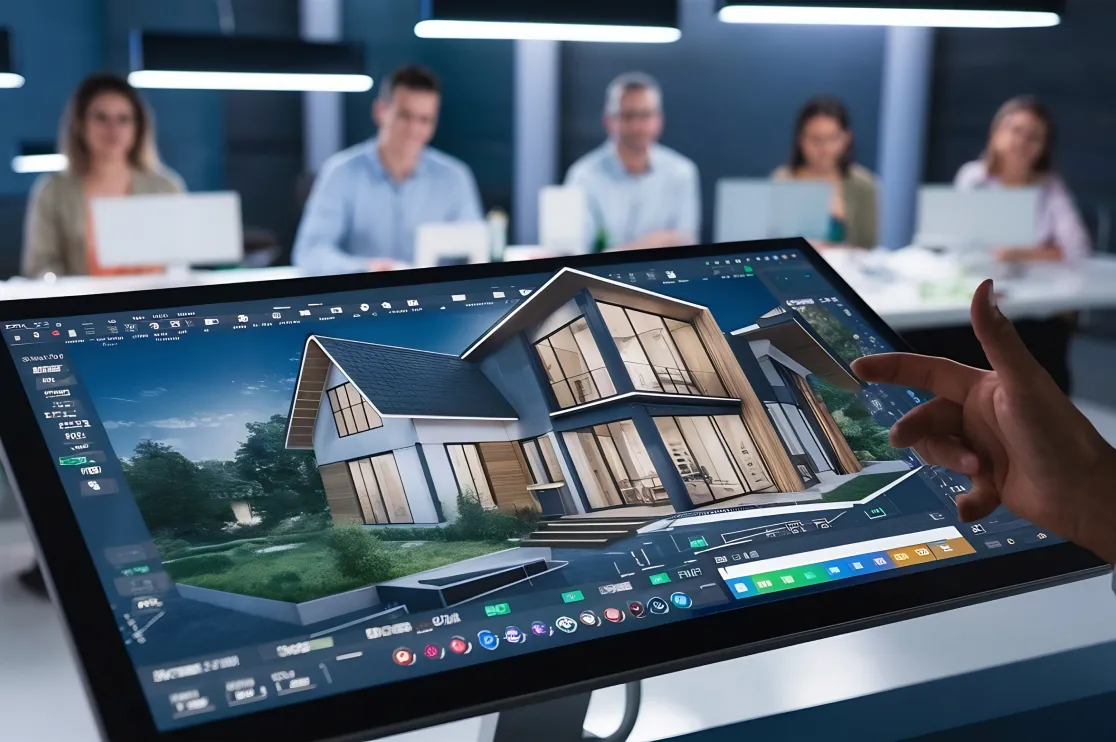
    The architectural visualization game has changed. What used to take a weekend of tweaking lighting parameters and waiting for cooling fans to stop screaming now takes about 30 seconds.

    If you’re still relying solely on traditional ray-tracing, you’re losing roughly 20 hours a week to progress bars. Here are the top 5 AI rendering tools that actually integrate into a professional workflow and buy your time back.

    1. LookX

    LookX is built specifically for architects, meaning it understands “geometry” better than a general AI art generator. It’s trained on a massive library of architectural models and high-end photography.

    • The Time Saver: You can upload a basic massing model or a messy Rhino screenshot, and it will generate a photorealistic facade based on your material prompts.

    • Key Feature: The “Architectural Style” filters allow you to mimic the aesthetic of specific firms or eras without manual lighting setups.

    2. Veras (by EvolveLAB)

    Veras is a specialized AI engine that lives directly inside Revit, Rhino, and SketchUp. This is the ultimate tool for those who hate exporting files.

    • The Time Saver: It uses your existing 3D view as a geometry constraint. You move a wall in Revit, hit “Render” in the Veras window, and see the updated lighting and materiality instantly.

    • Key Feature: Creativity Strength slider. You can keep it tight to your actual model or let the AI “hallucinate” some creative design alternatives for early-stage brainstorming.

    3. Midjourney (V6)

    While not a dedicated BIM tool, Midjourney remains the king of pure aesthetic quality. For the “Concept Phase,” it’s unbeatable.

    • The Time Saver: Instead of modeling three different design directions to show a client, you can prompt the atmosphere and materiality to get a “vibe check” before you ever open CAD.

    • Key Feature: Vary Region. You can select a specific part of a generated render—like a timber ceiling—and swap it for concrete in seconds without re-generating the whole image.

    4. D5 Render (with AI Enhancer)

    D5 has pivoted from being a standard real-time renderer to an AI-powered powerhouse. It’s essentially a bridge between traditional GPU rendering and neural processing.

    • The Time Saver: Its AI Atmosphere Match allows you to drop in a reference photo of a sunset or a rainy day, and the software automatically adjusts your scene’s HDRI, sun position, and color grading to match.

    • Key Feature: AI Texture Generation. Take a low-res photo of a stone slab, and D5 will use AI to generate the 4K normal, roughness, and displacement maps for you.

    5. Adobe Firefly (via Photoshop)

    Every architect uses Photoshop for post-production. Firefly’s Generative Fill has turned the “entourage” stage (adding people, trees, and cars) from a 3-hour chore into a 5-minute task.

    • The Time Saver: Instead of hunting for the perfect .png tree that matches your lighting, you just lasso an area and type “Oak tree in autumn light.” The AI handles the shadows and reflections automatically.

    • Key Feature: Generative Expand. If your render crop is too tight, Firefly can “draw” the rest of the street or sky to fit a wider aspect ratio perfectly.

    Comparison: Which One Should You Use?

    Software Best For Integration
    LookX High-end Facade Concepts Web-based
    Veras Rapid Iteration Revit/Rhino/SketchUp
    Midjourney Moodboards & Inspiration Discord / Web
    D5 Render Real-time Walkthroughs Standalone / Sync
    Firefly Post-Production & Entourage Photoshop

    The Bottom Line

    Stop waiting for renders to “cook.” Use Midjourney for the initial spark, Veras or D5 to develop the geometry, and Firefly to polish the final image. That is how you reclaim your weekends.

  • How to Use AI for Floor Plans: A Guide for Professional Designers

    How to Use AI for Floor Plans: A Guide for Professional Designers

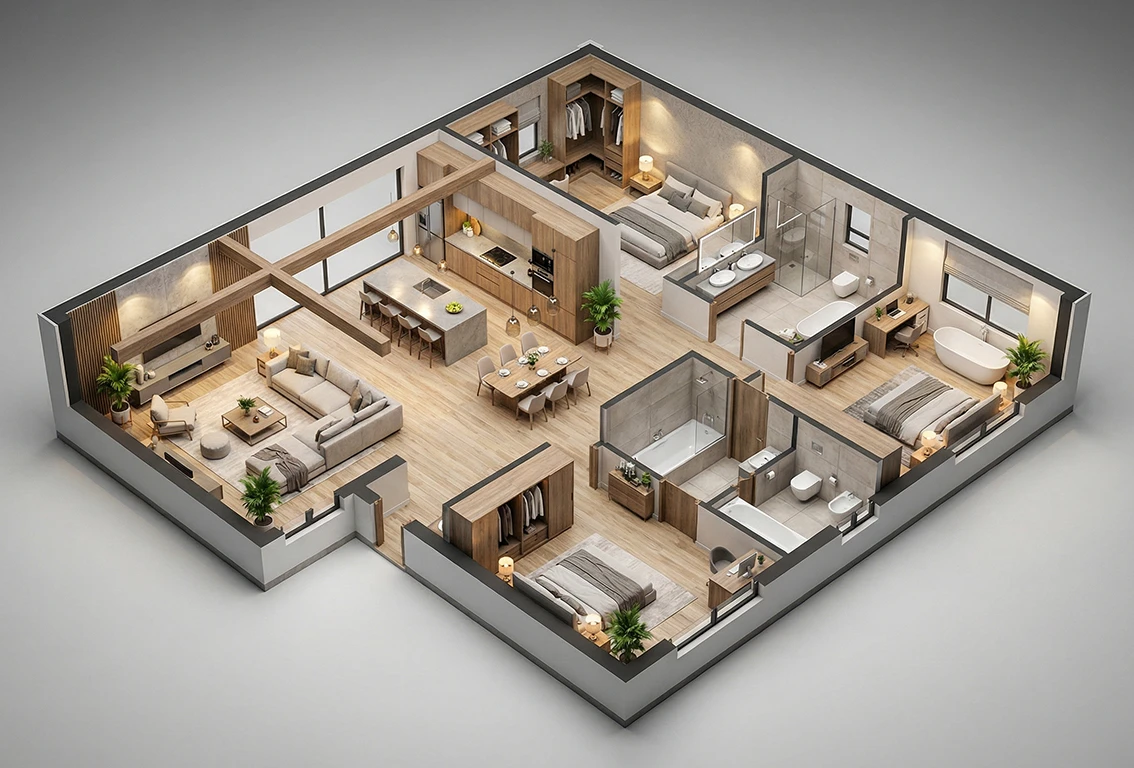
    The days of manually sketching every wall and door swing in the early stages of a project are fading. AI floor plan generators have moved past the “novelty” phase and are becoming essential tools for streamlining workflows. For professional designers, this isn’t about replacing your expertise—it’s about offloading the repetitive grunt work so you can focus on high-level spatial problem-solving.

    Here is how to integrate AI into your design process effectively.

    1. Speed Up the Schematic Phase

    The most immediate benefit of an AI floor plan generator is the ability to produce multiple iterations in minutes rather than hours. When you are staring at a blank canvas or a difficult building envelope, AI can provide several layout options based on specific parameters.

    • Input Constraints: Most professional AI tools allow you to input total square footage, required rooms, and fixed points (like plumbing stacks or load-bearing walls).

    • Rapid Iteration: Use AI to generate three or four distinct spatial flows. You can then pick the most viable skeleton and refine it manually.

    2. Converting 2D Sketches to 3D Models

    One of the most tedious tasks is “tracing” a hand-drawn sketch or a legacy PDF into a digital CAD format. Modern AI tools can now interpret high-contrast sketches and automatically convert them into structured floor plans.

    • Vectorization: AI can identify lines as walls and symbols as windows or doors, often exporting them directly to .DWG or .DXF formats.

    • Depth Sensing: Some platforms can take a simple 2D overhead view and instantly extrude it into a 3D wireframe, saving you hours of basic modeling time.

    3. Optimizing for Living Standards and Efficiency

    Professional designers have to balance aesthetics with building codes and ergonomics. AI can act as a “second set of eyes” for optimization.

    • Traffic Flow Analysis: Some advanced generators analyze “heat maps” of human movement, suggesting better door placements to avoid bottlenecks.

    • Furniture Auto-Layout: If you are working on a commercial project or a standardized residential unit, AI can suggest optimal furniture density based on standard clearance requirements.

    Comparison of Popular AI Approaches

    Feature Generative AI (Text-to-Plan) Predictive AI (Sketch-to-BIM)
    Best For Early brainstorming and “What if?” scenarios. Converting existing assets into workable files.
    Pros High creative variety; overcomes “designer’s block.” Extreme precision; saves manual drafting time.
    Cons May ignore local building codes. Requires a clear initial input/sketch.

    4. Integration into Your Existing Tech Stack

    An AI tool is only as good as its compatibility. To stay professional, ensure your chosen AI floor plan generator plays well with the industry standards:

    1. Export Options: Ensure the tool exports to AutoCAD, Revit, or SketchUp. An AI tool that only gives you a .JPG is just a toy, not a professional asset.

    2. Refinement: Treat the AI output as a “Level of Development” (LOD) 100 or 200 model. It provides the massing and basic layout, but your professional touch is required for LOD 300+ (construction documentation).

    5. Managing Client Expectations

    Using AI can significantly shorten your delivery timeline. However, it’s best to present AI-generated layouts as “AI-assisted conceptual drafts.” This maintains your role as the lead decision-maker while demonstrating that you are utilizing cutting-edge technology to provide more value and faster turnarounds.

    Pro Tip: Don’t let the AI make the final call on safety-critical elements. Always verify stair clearances, fire exits, and structural spans against your local jurisdiction’s building codes.

    The Bottom Line

    AI floor plan generators are powerful assistants that handle the “boring” parts of drafting. By incorporating them into your workflow, you reduce the time spent on administrative drawing and increase the time spent on creative, high-impact design.

  • 10 Best AI Interior Design Tools in 2026: Midjourney vs. Homestyler

    10 Best AI Interior Design Tools in 2026: Midjourney vs. Homestyler

    The days of struggling with mood boards and manual floor plans are officially over. By 2026, AI has shifted from a “cool experiment” to a non-negotiable part of the design workflow. Whether you’re a professional looking to speed up client pitches or a homeowner trying to visualize a kitchen remodel, these ten tools are leading the pack.

    The Heavyweights: Midjourney vs. Homestyler

    Before diving into the full list, we have to address the two biggest names in the space. They serve completely different purposes, and choosing the right one depends on where you are in your project.

    Midjourney (The Inspiration Engine)

    Midjourney remains the undisputed king of aesthetic generation. In 2026, its “Style Reference” and “Vary Region” features have become incredibly precise.

    • Best for: Rapid concept ideation and creating “vibes.”

    • Pros: Unmatched lighting, texture, and photorealism.

    • Cons: You can’t export a 3D model or get exact measurements. It’s a 2D image generator, not a CAD tool.

    Homestyler (The Functional Pro)

    Homestyler has evolved into a powerhouse that bridges the gap between AI and BIM (Building Information Modeling).

    • Best for: Precise 3D floor planning and furniture sourcing.

    • Pros: You can convert a 2D photo into a 3D room, swap out actual furniture brands, and generate 8K walkthroughs.

    • Cons: Higher learning curve compared to simple prompt-to-image tools.

    The Top 10 AI Interior Design Tools of 2026

    Beyond the big two, these tools offer specialized features for every stage of design:

    Tool Best For Key Feature
    1. Midjourney Concept & Mood Boards Ultra-realistic “vibe” generation.
    2. Homestyler 3D Modeling & Layouts Real-world furniture catalog integration.
    3. Planner 5D Beginners “Capture” feature turns 2D floor plans into 3D.
    4. Interior AI Quick Room Flips Upload a photo and instantly apply new styles.
    5. Adobe Firefly Detail Editing Generative Fill for swapping rugs or wall art.
    6. REimagineHome Landscaping & Exterior AI that handles both indoor and outdoor spaces.
    7. Foyr Neo Professional Speed High-speed cloud rendering for designers.
    8. Spacely AI Material Selection Specific focus on textures and color palettes.
    9. RoomGPT Budget Remodels Simple, free-to-try room redesigns via photo.
    10. Coohom Enterprise/Business Virtual showrooms and lightning-fast 4K renders.

    Which One Should You Choose?

    • If you are starting from zero: Use Midjourney to find a style you love.

    • If you have a specific room to fix: Use Interior AI or RoomGPT. You just snap a photo of your messy living room, and it clears the clutter and adds a Mid-Century Modern or Japandi aesthetic.

    • If you need to buy furniture: Use Homestyler. It allows you to place real items from global brands so you know exactly how that sofa fits in your corner.

    • If you are a pro designer: Foyr Neo or Coohom are the industry standards for 2026, offering client-ready renders in minutes rather than hours.

    The Bottom Line

    AI isn’t replacing interior designers; it’s giving them superpowers. Midjourney is your creative spark, while Homestyler is your digital architect. Most successful projects in 2026 actually use a combination of both—starting with AI prompts for inspiration and moving into 3D tools for execution.