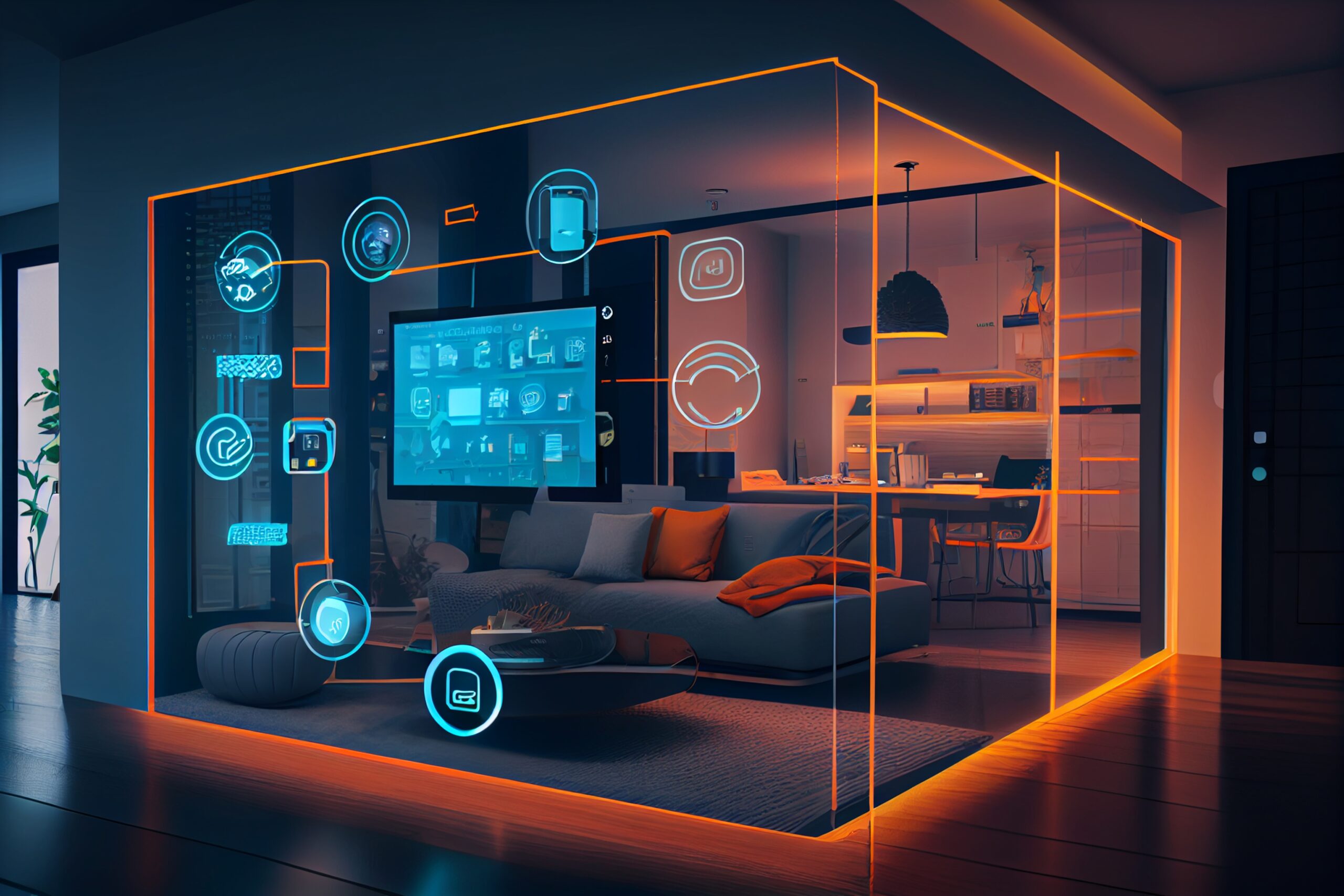
The panic about AI “taking over” creative jobs is everywhere, but let’s clear the air: AI isn’t coming for your job—it’s coming for your busywork.
In the world of interior design, your value isn’t just in picking a sofa; it’s in the spatial psychology, the tactile understanding of materials, and the ability to manage a chaotic job site. AI can’t do any of that. What AI in interior design can do, however, is turn your portfolio from a collection of static photos into a powerhouse of high-speed visualization.
From Mood Boards to Instant Realism
Traditionally, creating a high-fidelity render took days (and a lot of computing power). If a client wanted to see a “Boho-Industrial” kitchen instead of “Modern Minimalist,” you were looking at hours of re-modeling.
With AI tools like Midjourney, DALL-E 3, or specialized plugins for SketchUp:
-
Rapid Prototyping: You can generate ten different aesthetic directions in the time it takes to brew a cup of coffee.
-
Client Collaboration: Instead of trying to explain a “mood,” you can show a realistic vision instantly, reducing the “I didn’t realize it would look like that” friction later on.
AI as Your Junior Designer
Think of AI as an incredibly fast, slightly literal junior designer. It’s great at following directions but lacks the “soul” of a human curator.
-
Space Planning: AI algorithms can suggest floor plan optimizations based on traffic flow data and building codes much faster than a human can draw them manually.
-
Material Matching: New AI tools can scan a fabric swatch and instantly find five matching rugs, tiles, and paint colors, saving you hours of flipping through physical catalogs.
Boosting Your Portfolio’s “Wow” Factor
Your portfolio is your resume. If you aren’t using AI to supplement it, you’re leaving money on the table. Here is how to use AI in interior design to level up your presentation:
| Strategy | Human Touch | AI Enhancement |
| Concept Phase | Your unique artistic vision and client brief. | Generating high-end conceptual imagery to set the “vibe.” |
| Drafting | Ensuring structural integrity and measurements. | Automating 2D to 3D conversions. |
| Post-Production | Adding personal styling and “lived-in” details. | Enhancing lighting, textures, and removing unwanted clutter from photos. |
The “Human” Moat
At the end of the day, interior design is a high-empathy profession. A computer doesn’t know how a specific shade of blue makes a client feel after a long day at work. It doesn’t know how to negotiate with a contractor who just installed the wrong tile.
The Bottom Line: AI is a tool, not a replacement. The designers who thrive in the next decade won’t be the ones who ignore AI—they’ll be the ones who use it to work five times faster while keeping their human creativity at the center of every project.
How much of your current design process is spent on repetitive tasks that you’d love to hand off to an AI assistant?