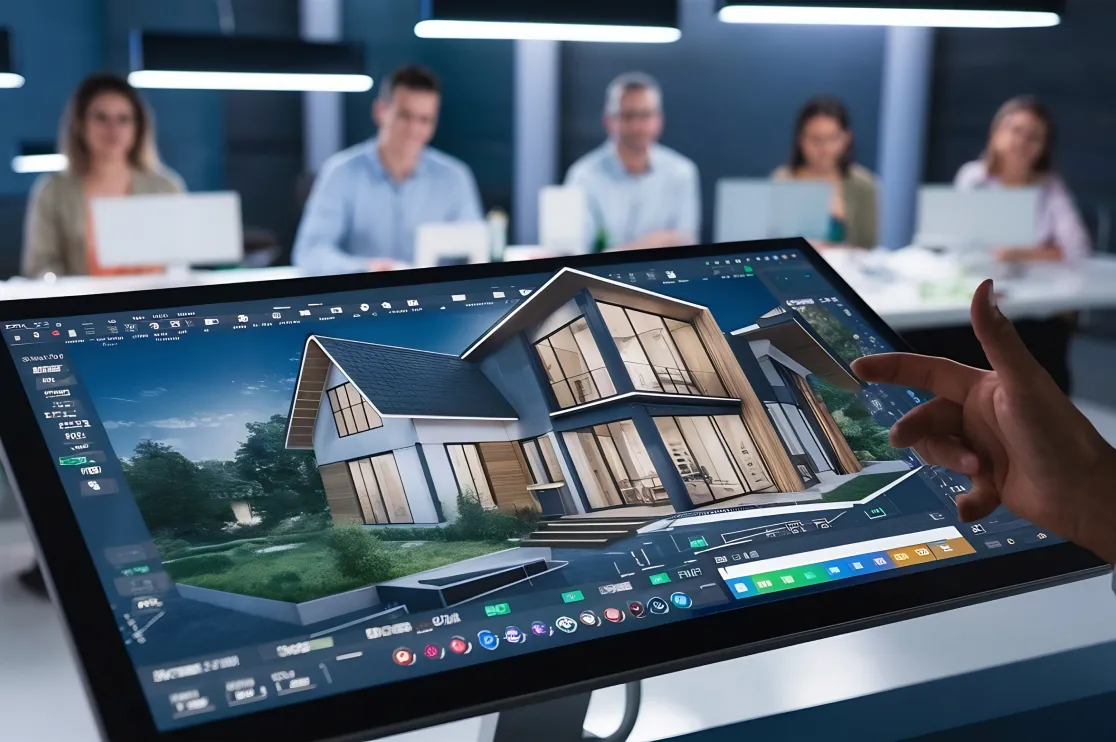
The architectural visualization game has changed. What used to take a weekend of tweaking lighting parameters and waiting for cooling fans to stop screaming now takes about 30 seconds.
If you’re still relying solely on traditional ray-tracing, you’re losing roughly 20 hours a week to progress bars. Here are the top 5 AI rendering tools that actually integrate into a professional workflow and buy your time back.
1. LookX
LookX is built specifically for architects, meaning it understands “geometry” better than a general AI art generator. It’s trained on a massive library of architectural models and high-end photography.
-
The Time Saver: You can upload a basic massing model or a messy Rhino screenshot, and it will generate a photorealistic facade based on your material prompts.
-
Key Feature: The “Architectural Style” filters allow you to mimic the aesthetic of specific firms or eras without manual lighting setups.
2. Veras (by EvolveLAB)
Veras is a specialized AI engine that lives directly inside Revit, Rhino, and SketchUp. This is the ultimate tool for those who hate exporting files.
-
The Time Saver: It uses your existing 3D view as a geometry constraint. You move a wall in Revit, hit “Render” in the Veras window, and see the updated lighting and materiality instantly.
-
Key Feature: Creativity Strength slider. You can keep it tight to your actual model or let the AI “hallucinate” some creative design alternatives for early-stage brainstorming.
3. Midjourney (V6)
While not a dedicated BIM tool, Midjourney remains the king of pure aesthetic quality. For the “Concept Phase,” it’s unbeatable.
-
The Time Saver: Instead of modeling three different design directions to show a client, you can prompt the atmosphere and materiality to get a “vibe check” before you ever open CAD.
-
Key Feature: Vary Region. You can select a specific part of a generated render—like a timber ceiling—and swap it for concrete in seconds without re-generating the whole image.
4. D5 Render (with AI Enhancer)
D5 has pivoted from being a standard real-time renderer to an AI-powered powerhouse. It’s essentially a bridge between traditional GPU rendering and neural processing.
-
The Time Saver: Its AI Atmosphere Match allows you to drop in a reference photo of a sunset or a rainy day, and the software automatically adjusts your scene’s HDRI, sun position, and color grading to match.
-
Key Feature: AI Texture Generation. Take a low-res photo of a stone slab, and D5 will use AI to generate the 4K normal, roughness, and displacement maps for you.
5. Adobe Firefly (via Photoshop)
Every architect uses Photoshop for post-production. Firefly’s Generative Fill has turned the “entourage” stage (adding people, trees, and cars) from a 3-hour chore into a 5-minute task.
-
The Time Saver: Instead of hunting for the perfect .png tree that matches your lighting, you just lasso an area and type “Oak tree in autumn light.” The AI handles the shadows and reflections automatically.
-
Key Feature: Generative Expand. If your render crop is too tight, Firefly can “draw” the rest of the street or sky to fit a wider aspect ratio perfectly.
Comparison: Which One Should You Use?
| Software | Best For | Integration |
| LookX | High-end Facade Concepts | Web-based |
| Veras | Rapid Iteration | Revit/Rhino/SketchUp |
| Midjourney | Moodboards & Inspiration | Discord / Web |
| D5 Render | Real-time Walkthroughs | Standalone / Sync |
| Firefly | Post-Production & Entourage | Photoshop |
The Bottom Line
Stop waiting for renders to “cook.” Use Midjourney for the initial spark, Veras or D5 to develop the geometry, and Firefly to polish the final image. That is how you reclaim your weekends.